

Market analysis
Who tenders, who wins and for how much
Contracting authorities and contractors have their own profiles in Minerva. Before your team starts on a bid, it already knows how the institution buys and who wins there.
Our clients have already won over €4.8B in public tenders.
Trusted by 450+ organisations, from growing businesses to large enterprises.
A go/no-go decision based on the authority’s and competitors’ track record
Until now, Minerva showed which tenders had been announced. Contracting authority and contractor profiles help you decide whether to bid and how to price your offer.
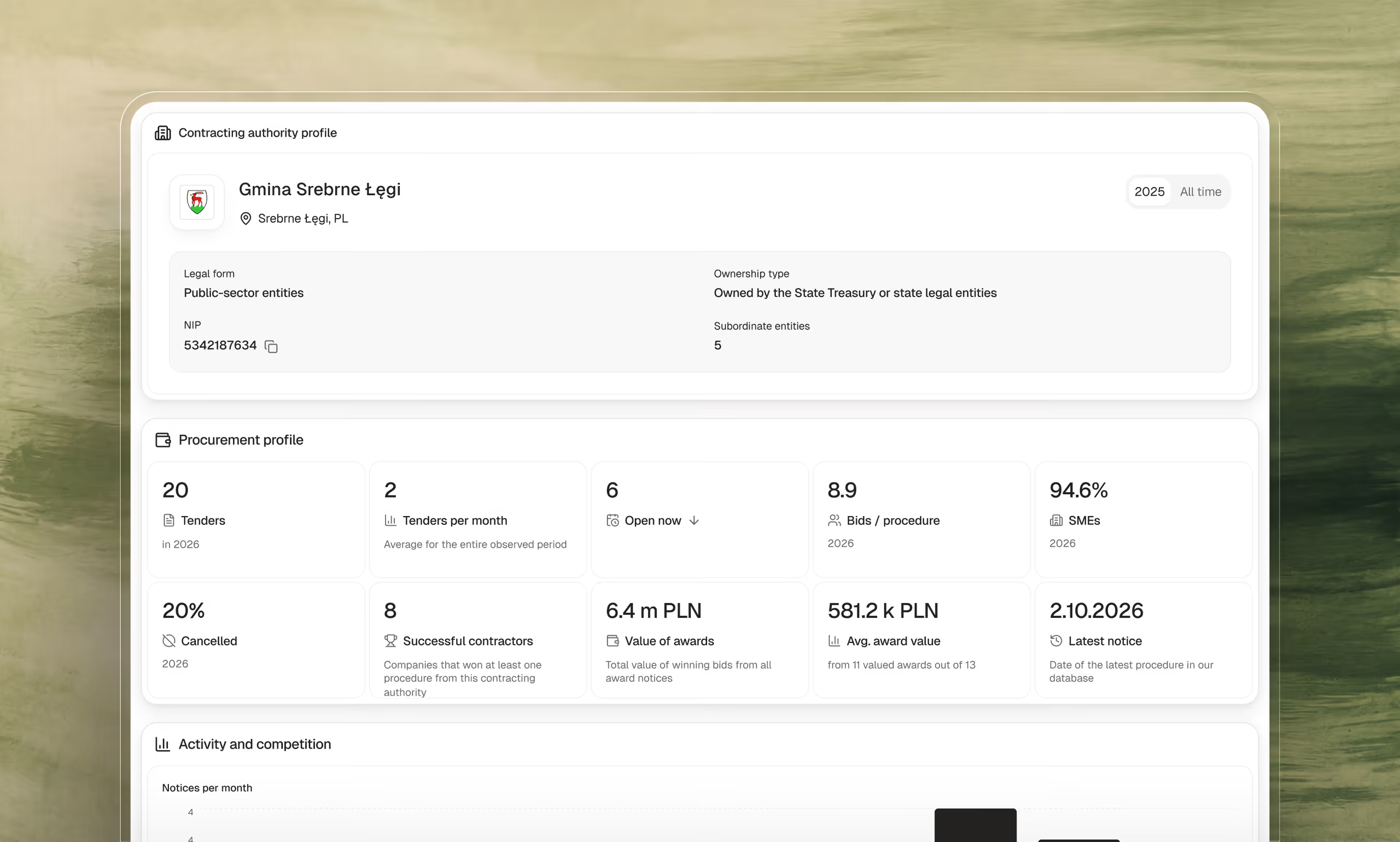
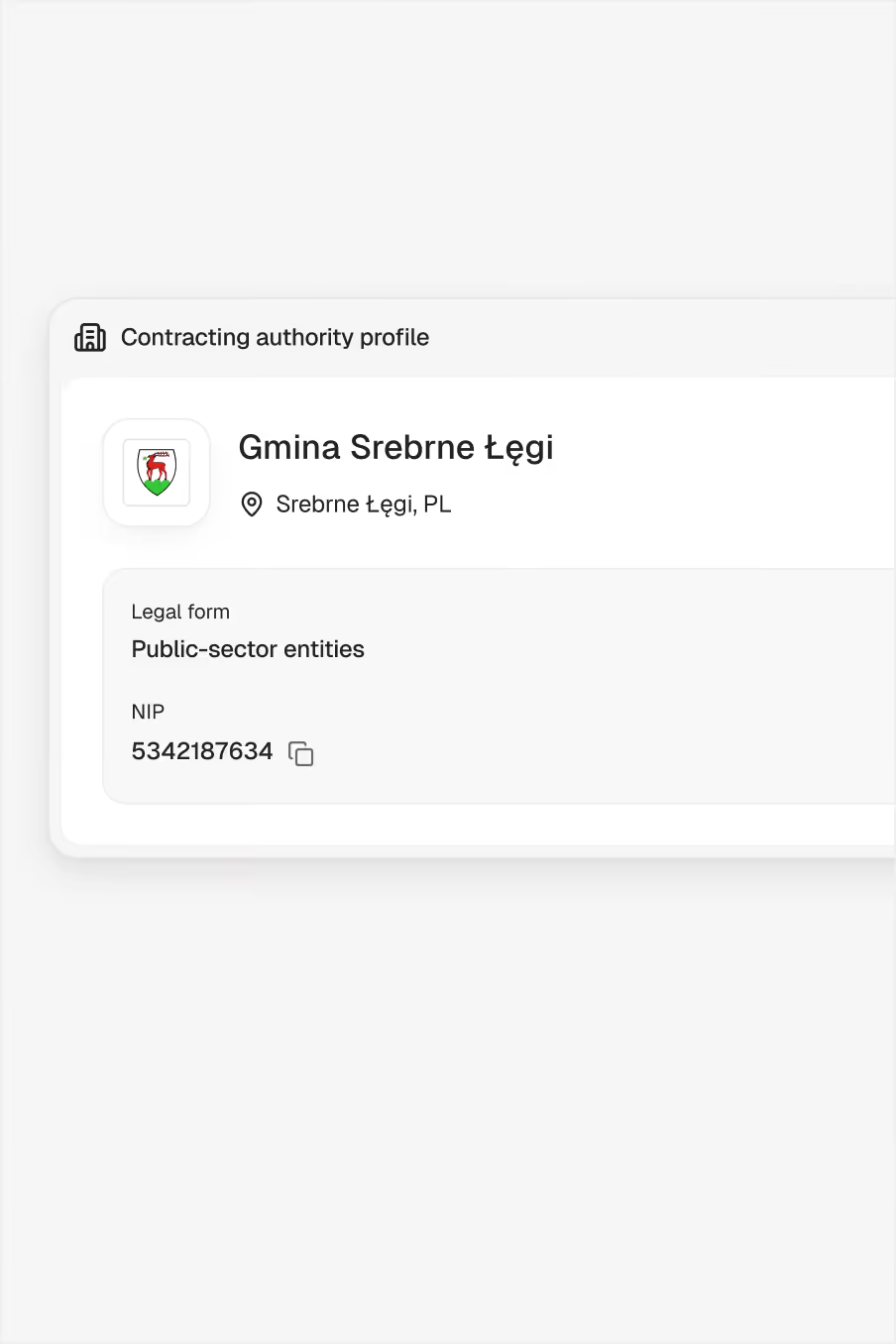
Contracting authority profile
The profile gathers tender volumes and values, purchases by CPV category and the history of appeals to the National Appeal Chamber (KIO).
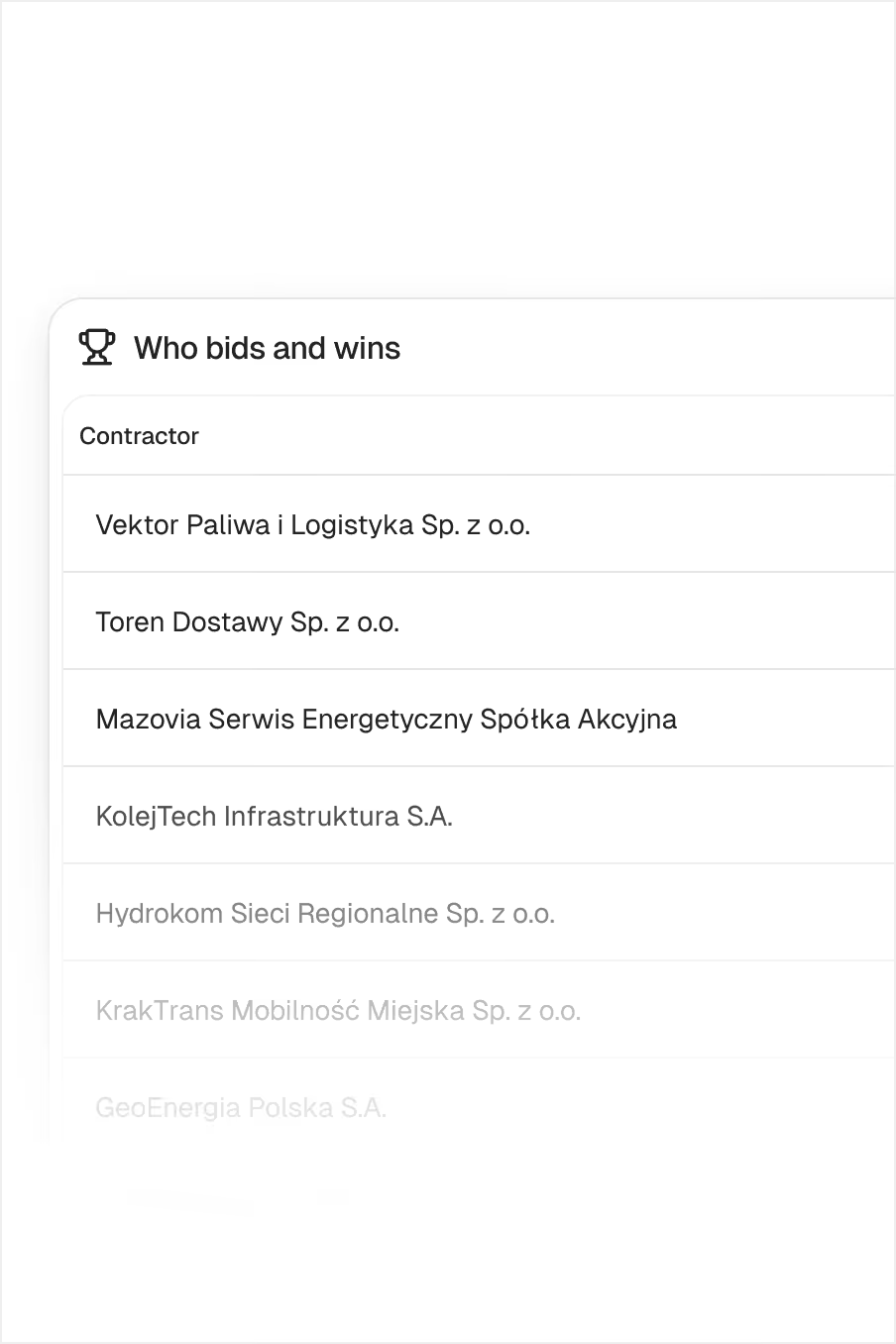
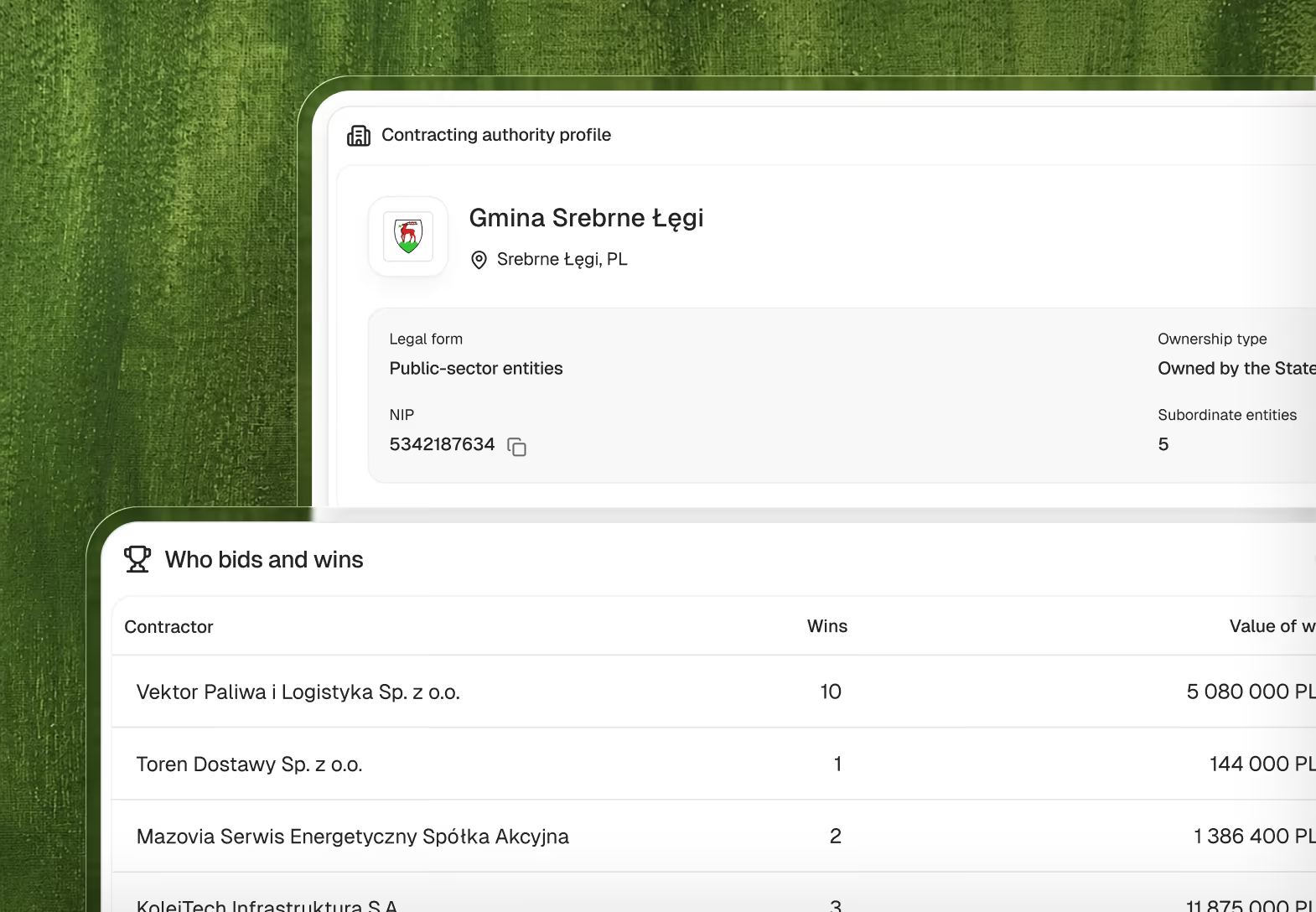
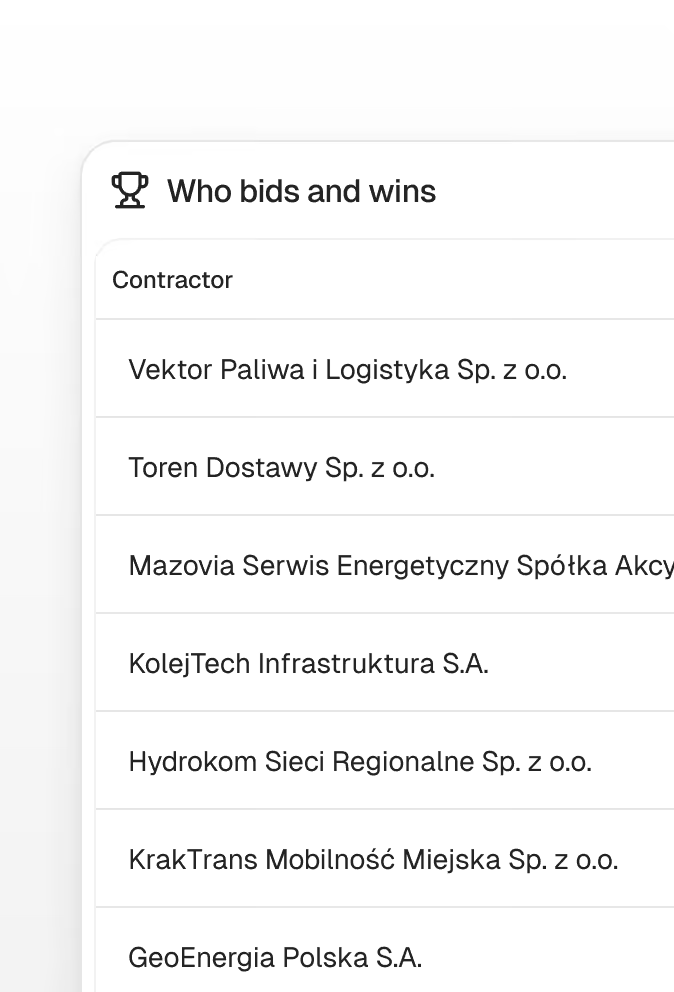
Who bids and who wins
The table lists winning contractors with the number and value of their wins. Each company name leads to its profile.
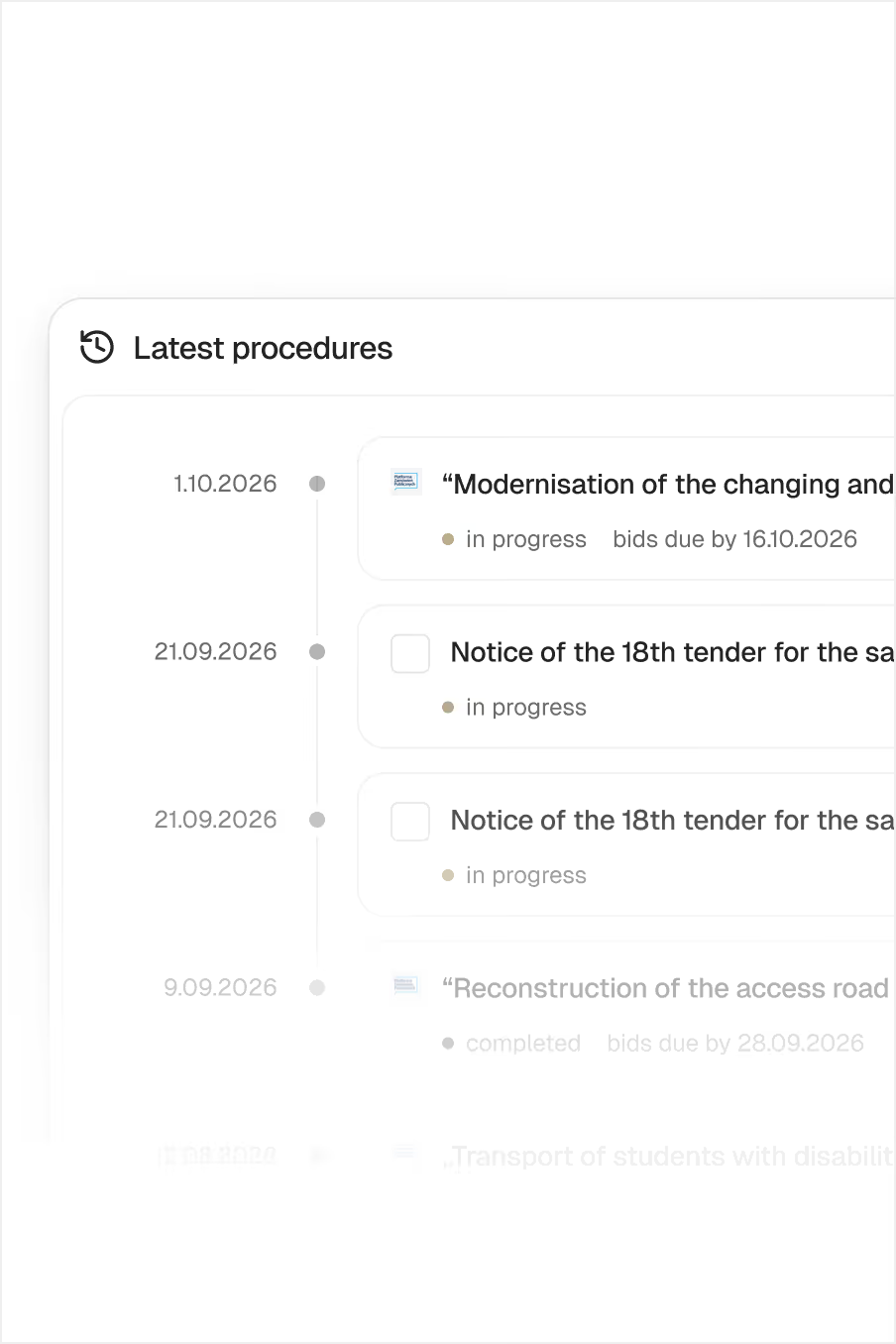
Bid opening history
All submitted bids are listed from the lowest price to the highest, which makes it easier to see what range to bid in.
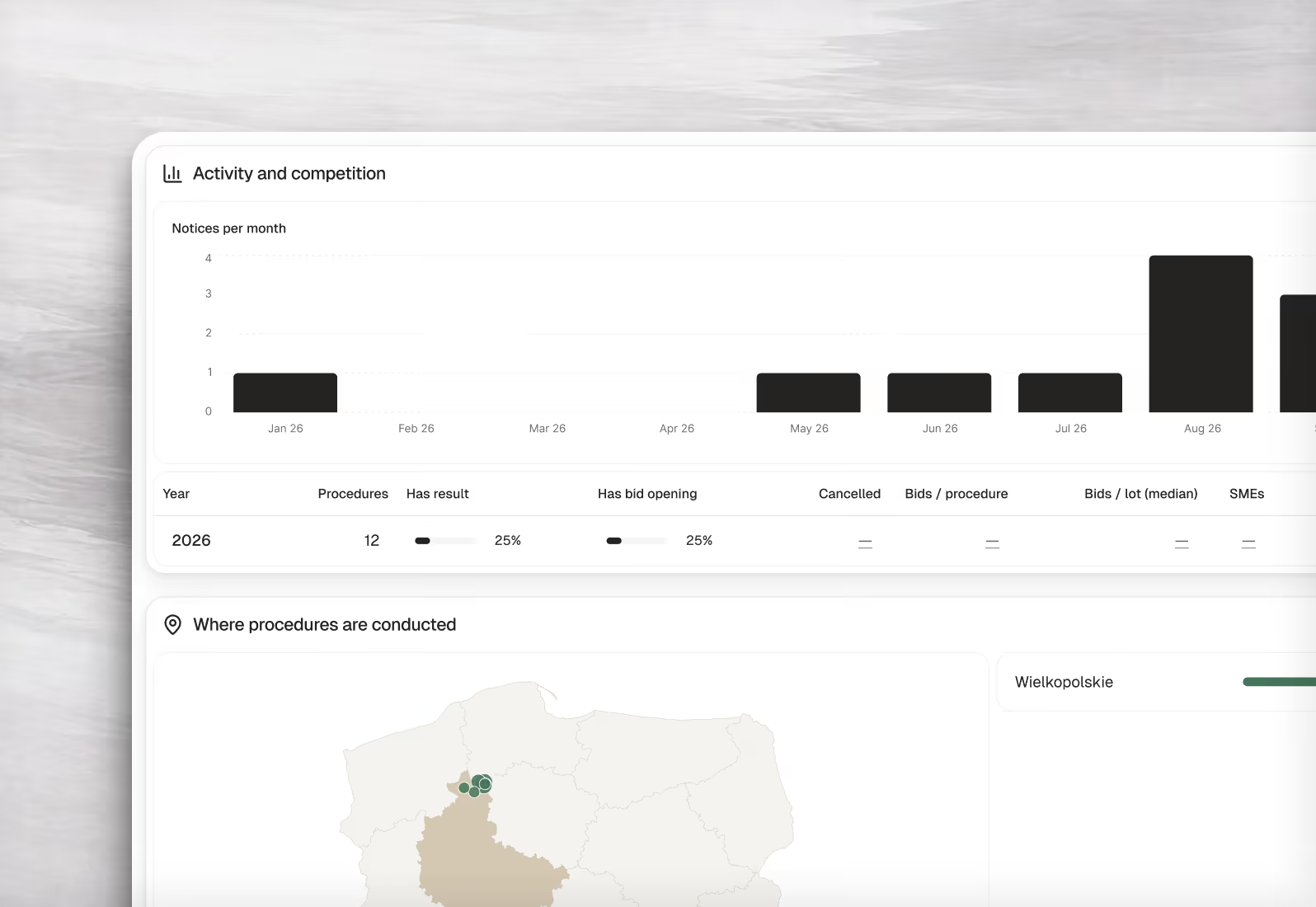
Your team knows the authority before it starts on a bid
The profile shows how many tenders an institution announces, for what amounts and how often they end up at the KIO. A map of regions and a breakdown by CPV category complete the picture.
You know who you will be up against in the tender
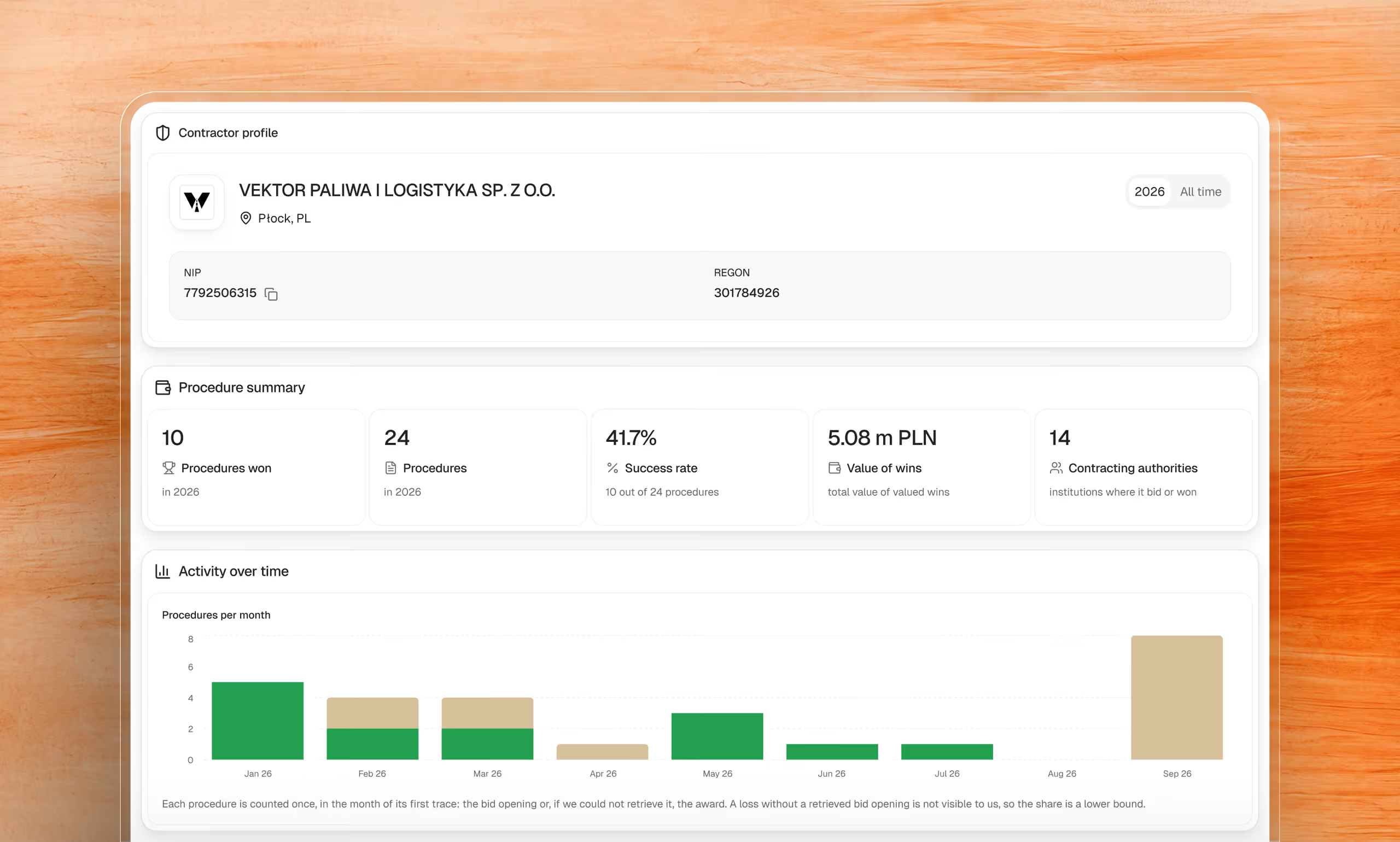
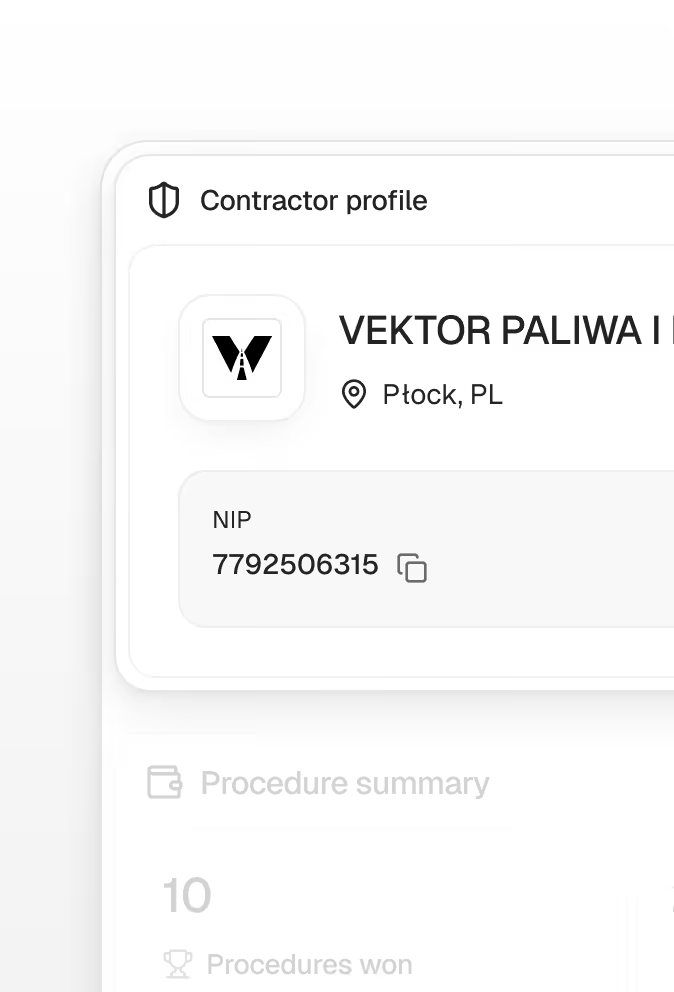
The contractor profile shows how many tenders a company wins and for how much, which contracting authorities it bids with and who it meets in tenders.
 Number of wins and win rate
 Total value of wins
 Number of contracting authorities it bids with
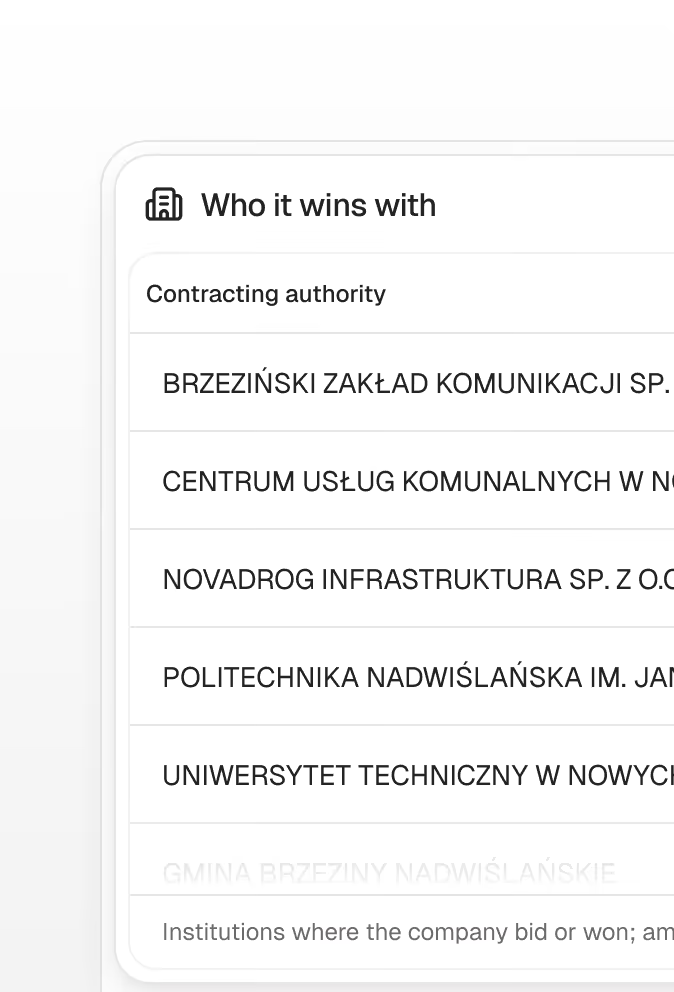
 “Where it wins”: the authorities and the amounts won with each
 Companies bidding in the same tenders
From a single tender to a picture of the whole market
A contractor profile opens from the “Who bids and who wins” table of any contracting authority. It shows the company’s record and who it meets in tenders.
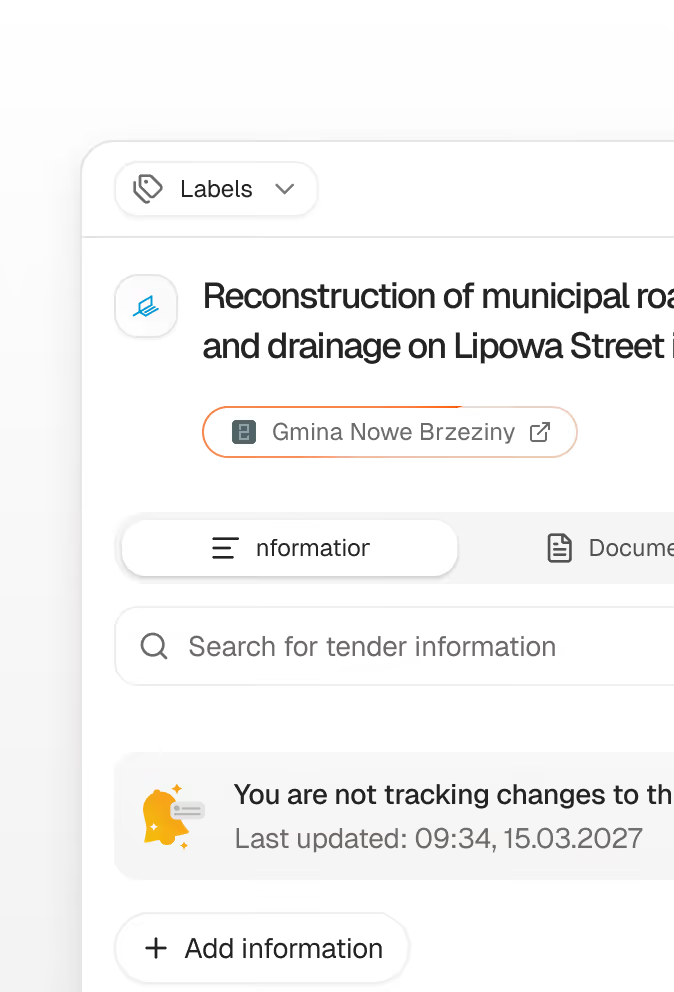
Tender
Clicking the authority’s name in the header opens its profile.
Contracting authority
The “Who bids and who wins” table shows the companies that win there.
Contractor
The company profile shows where else it wins and who it competes with.
Competitors
From competitors you move on to their profiles and to further authorities.
See how many proceedings match your company
We'll set up your profile and show you matched tenders from multiple sources in one place.
- GDPR compliant
- Data stored in the EU
- No commitment

450+
organisations use Minerva
€4.8B
won in tenders with Minerva